 OperatorFlo
Quote with confidence.
Use saved services, add descriptions and optional extras, and send a clean quote your client can review.
Send professional quotes, keep jobs on schedule, and stay on top of unpaid invoices—all in one easy-to-use app. From the first quote to the final payment, keep the details together and the next step clear.
Try it with 5 clients and 5 invoices. No credit card needed.
About $2.08 a week.
$108 billed annually · Or $19.99 month-to-month
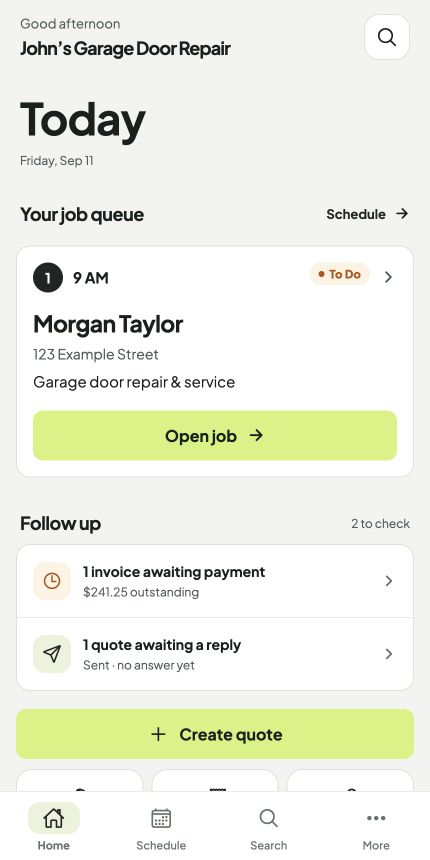
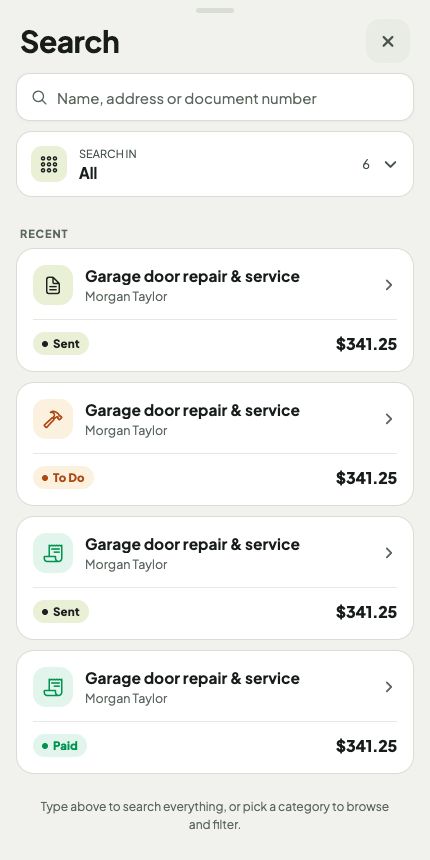
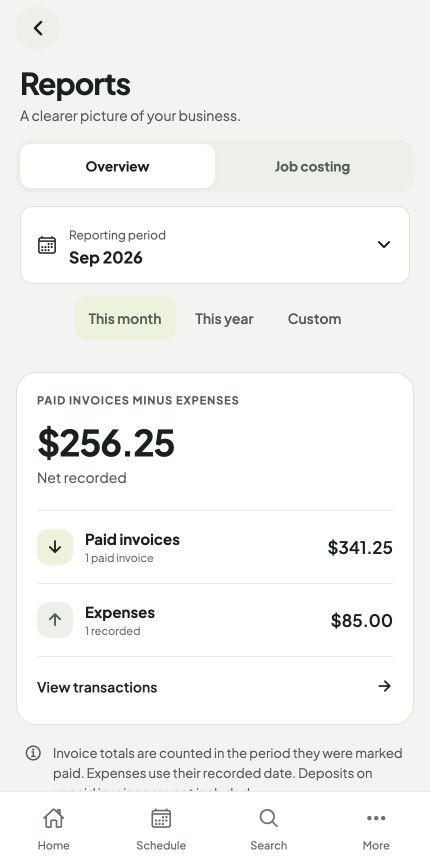
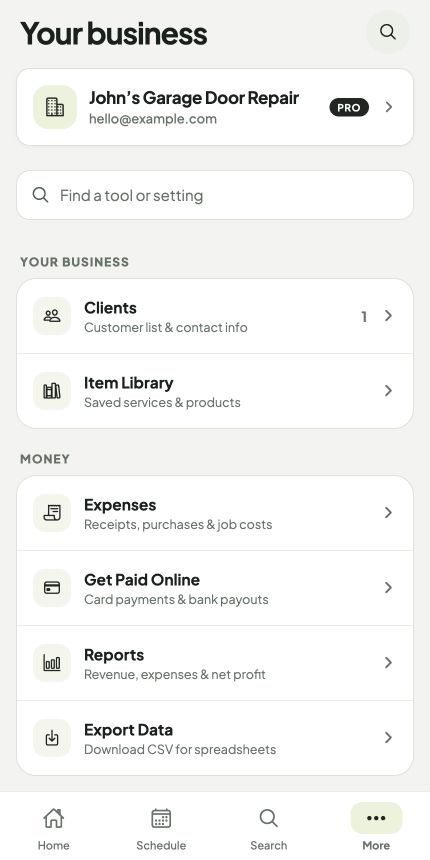
Your working day, all in one place. Sample data shown.
Quotes, jobs, invoices and follow-ups are everyday work. OperatorFlo puts them together at a price that makes sense for an independent contractor.
| What you get | OperatorFloPro$9/month$108 billed annually | JobberCoreUS$29/monthUS$348 billed annually | Housecall ProBasicUS$59/monthUS$708 billed annually |
|---|---|---|---|
| Quotes & estimates | Included | Included | Included |
| Job scheduling | Included | Included | Included |
| Invoices & online paymentsProcessing fees apply | Included | Included | Included |
| Automatic invoice reminders | Included | Higher planConnect from US$99/mo annually | Included |
| Expense tracking | Included | Higher planConnect | Check plan details |
| Customer self-booking | Not included | Included | Included |
| Website builder | Not included | Included | Check plan details |
OperatorFlo Pro includes quoting, scheduling, invoicing, email reminders and expenses in one plan.
These are each provider’s starting paid plans, not identical products. “Higher plan” means the provider lists that feature above the entry plan. “Check plan details” means inclusion wasn’t confirmed from the published pricing page. Jobber and Housecall Pro include additional capabilities beyond the rows shown.
Official pricing and features: Jobber · Housecall Pro.
Published standard prices checked September 11, 2026; introductory promotions excluded. Jobber and Housecall Pro prices are USD. OperatorFlo’s advertised base price is shown; local storefront pricing is confirmed before purchase. Plans differ in features, users and support. Taxes, payment processing and optional add-ons are extra where applicable. OperatorFlo is not affiliated with either provider.
Showing annual billing: monthly equivalents, paid yearly.
Stop piecing together texts, spreadsheets and paperwork. Give every job a home from start to finish.
Use saved services, add descriptions and optional extras, and send a clean quote your client can review.
Turn an approved quote into a job. Keep the booking, client details and private notes together.
Create the invoice, credit collected deposits, record payments and let email reminders handle the follow-up.
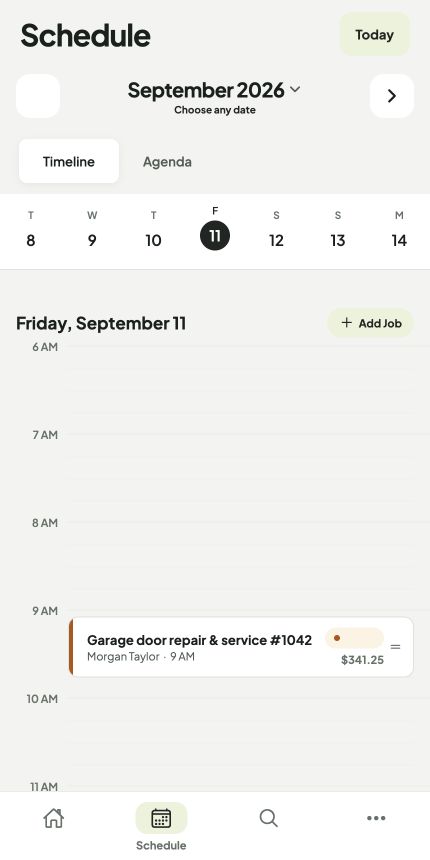
See your appointments in an agenda or timeline. Jump to a date, find unscheduled work, and keep the day moving.
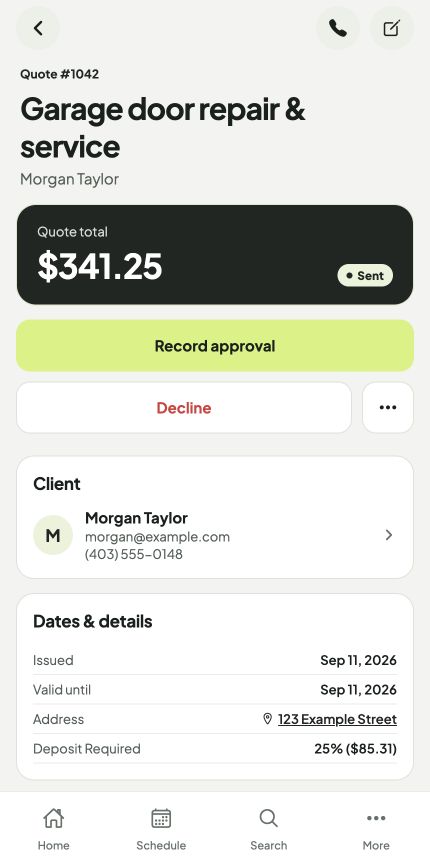
Give clients readable line items, clear pricing and a branded web view. Keep private notes where they belong: inside your app.
Your clients get a clean web page with the scope, pricing and next steps together. Use your own business branding, let clients approve quotes online, and offer card payments when connected.
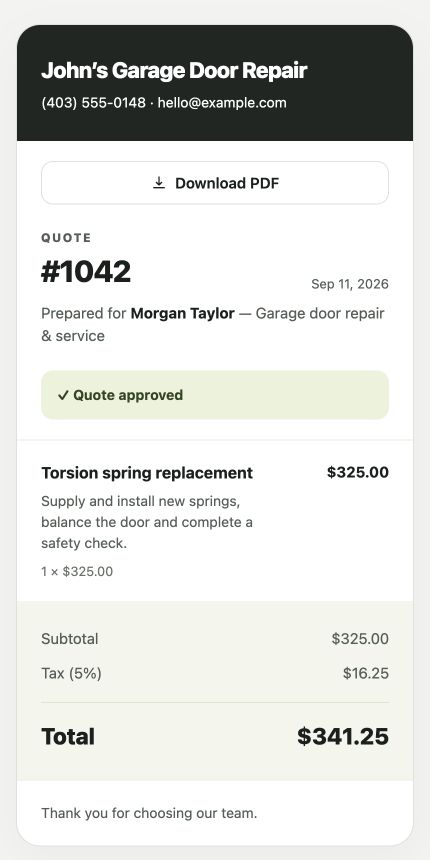
Client-facing quote · sample business and client
Choose your reminder timing and message. See when the client was reminded, and stop the follow-ups once the invoice is marked paid.
Simplify your follow-up ↗Your client gets a link to view it online.
Automatic emails follow the timing you configure.
Check the paid date and method on the invoice.
Start with your next quote. Add a client, build the scope and see how the workflow fits your business before you pay.
Subscription options and local pricing are shown before purchase.
$108 billed annually, or $19.99 month-to-month.
Card processing fees apply to online client payments.
Independent contractors and small home-service businesses that want to manage clients, quotes, jobs and invoices without a complicated setup.
Yes. Export your spreadsheet or Google Sheet as a CSV file and use the client import tool to match the columns and review the entries.
Connect payments in the app to offer card payments through your client web views. You can also record cash, transfers, checks and other payments manually.
No. Automatic invoice reminders stop when the invoice is marked paid. You can see the reminder history on the invoice.
Try it with 5 clients and 5 invoices. No credit card needed.
Get started ↗